Astris Emulator – Nintendo Switch Emulator

4.3/5 - (53 votes)

What Is Astris Emulator?

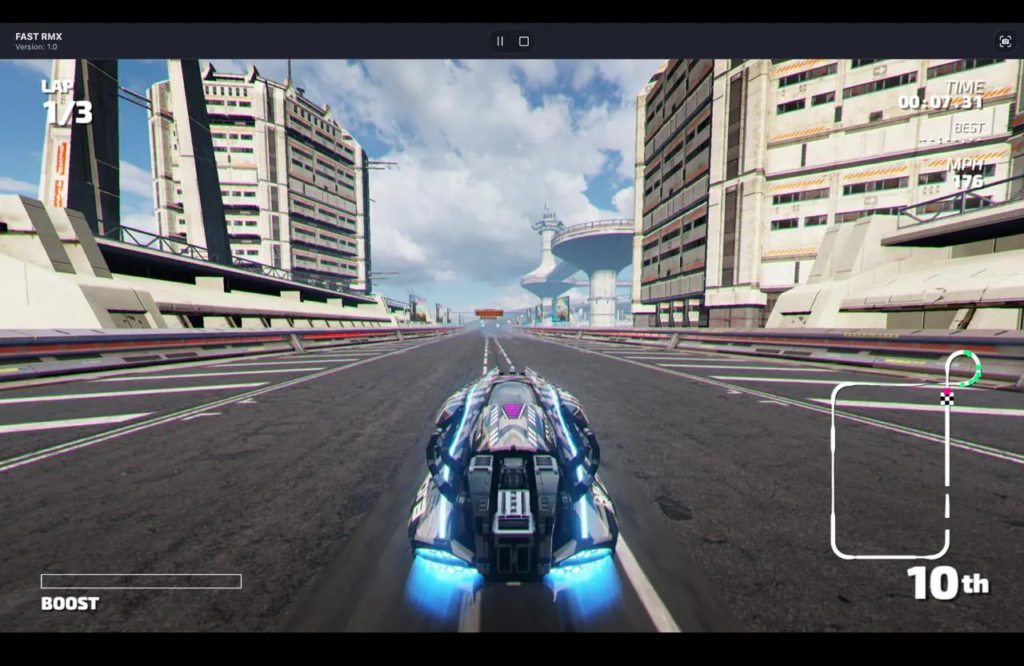
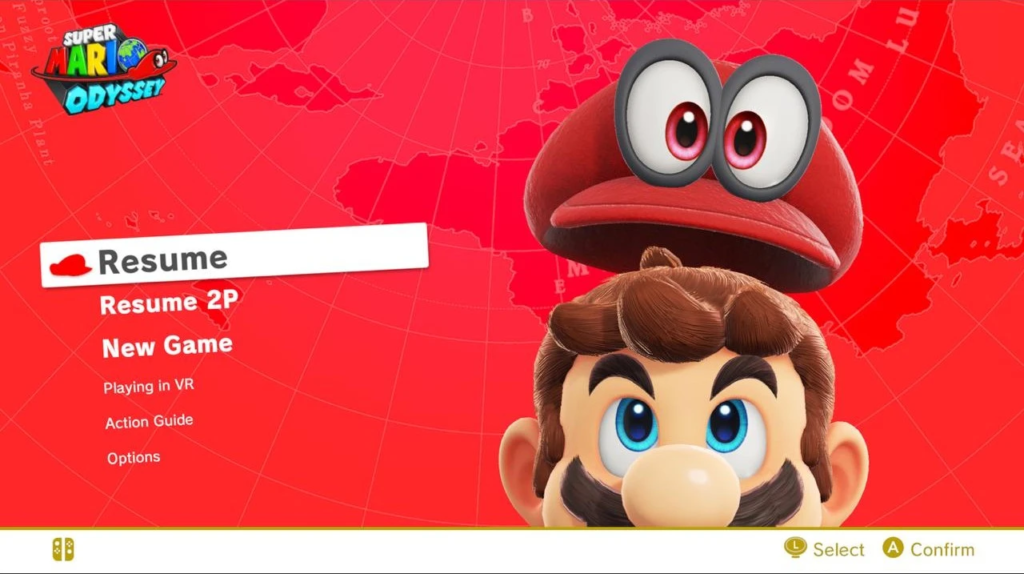
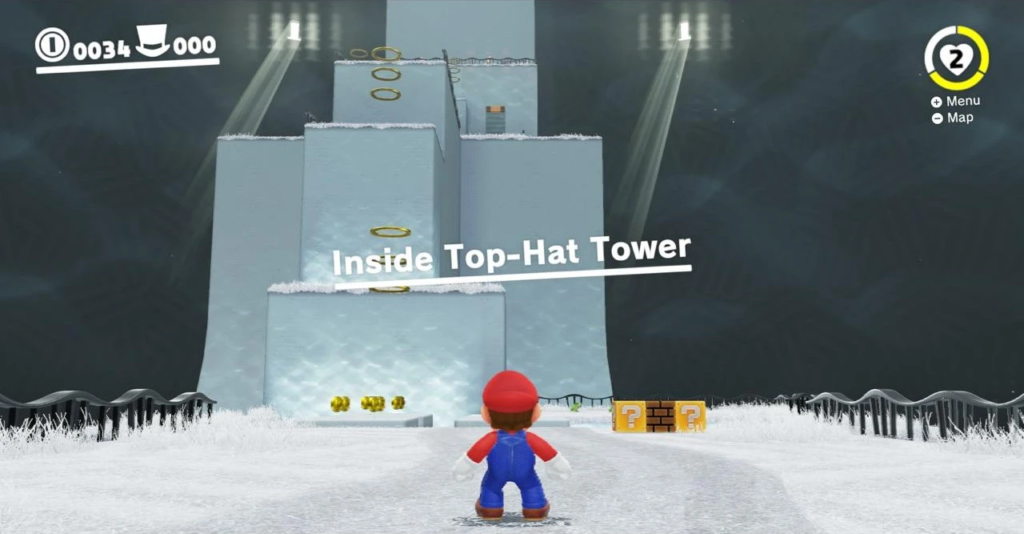
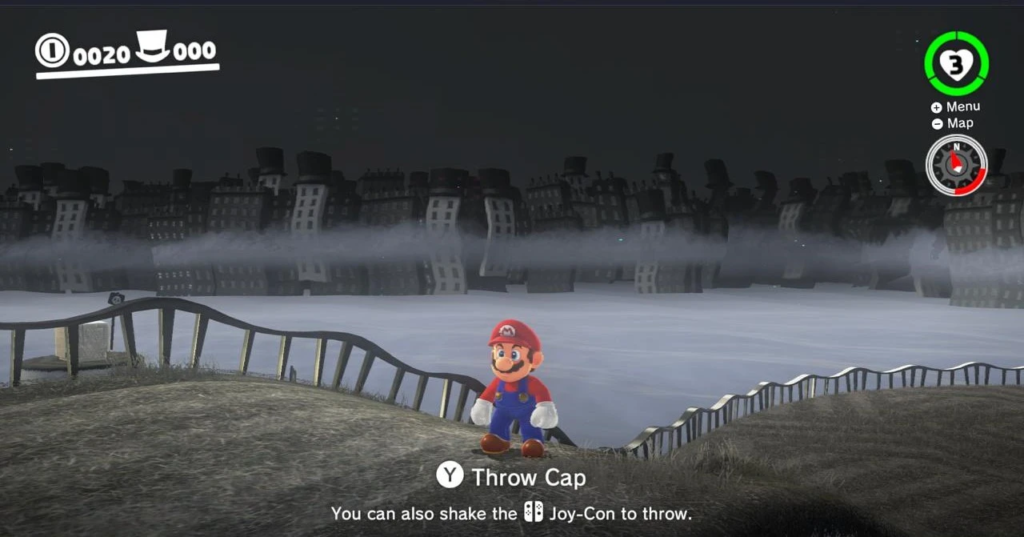
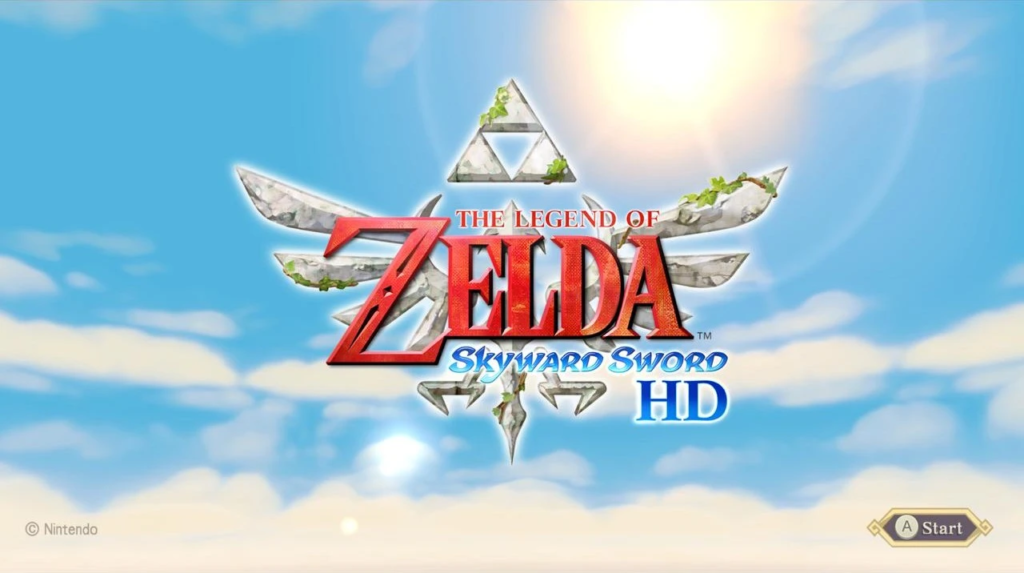
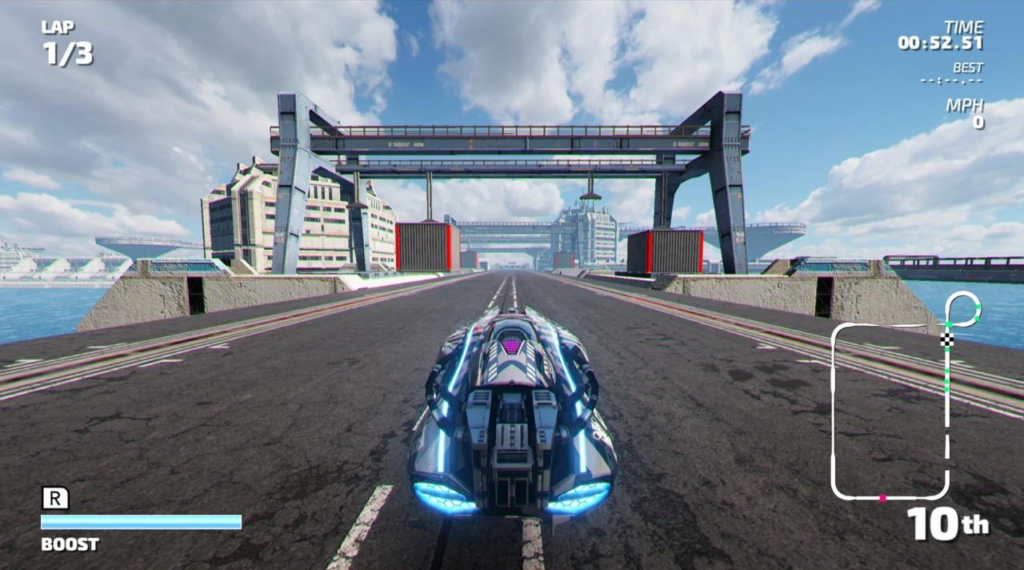
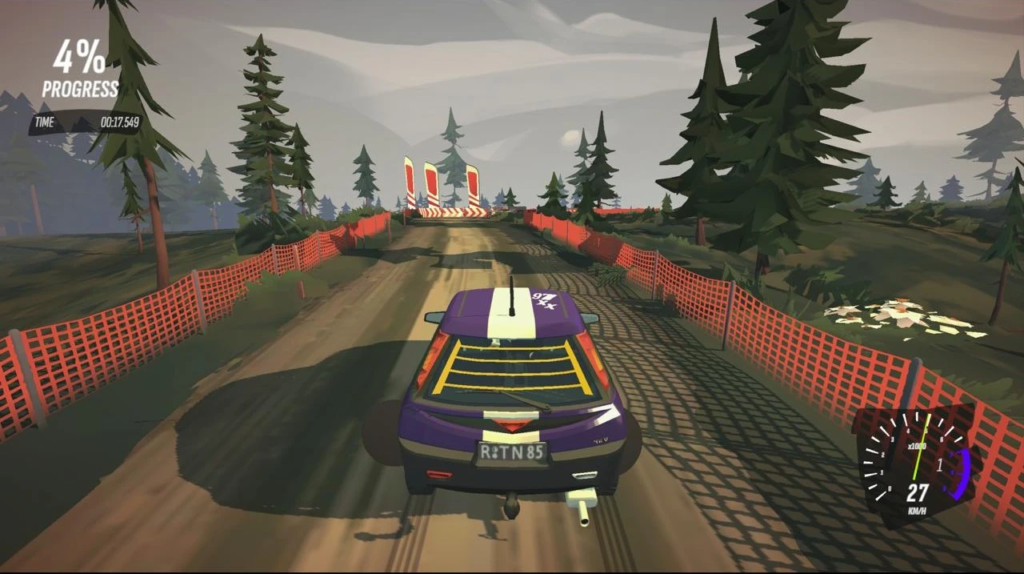
Astris Emulator is an open-source Nintendo Switch 1 emulator based on the Ryujinx and Ryubing codebase, designed specifically for Apple silicon Macs, designed to run compatible Switch games on Macs powered by Apple Silicon. It allows users to run compatible Nintendo Switch games on macOS, offering a straightforward setup, a user-friendly interface, and controller support for a more comfortable gaming experience. Astris is developed as an independent open-source project and is intended for Apple Silicon Mac systems. The project’s official release repository lists Astris 1.0.31 as a recent release.

Device Specifications

To use Astris Binaries effectively, your Mac should have compatible Apple silicon hardware and enough system resources to handle Nintendo Switch emulation. Below are some general minimum requirements and hardware recommendations to help provide smoother performance, better compatibility, and a more reliable Astris experience.

Operating System

macOS 15.0 or later (macOS 15+ recommended)

Processor

Apple Silicon (M1 or newer) architecture (required)

RAM

RAM 8 GB minimum; 16 GB recommended for smoother Nintendo Switch gameplay and better performance with demanding games.

Storage

At least 50 GB of free storage is recommended for Astris Emulator, with additional space available for Switch games, updates, DLC, and emulator files.

Internet Connection

A fast and stable internet connection is recommended for downloading Astris Emulator, Games, updates and DLC, and keys and firmware.

GPU

A capable Apple GPU is recommended for smooth graphics and stable performance in Astris, especially when running demanding Switch games.

Download Astris Switch Emulator

Download Astris for the latest version, along with previous releases and their bug fixes, performance updates, and compatibility improvements. This page helps you find the right Astris version for your device and needs.

Frequently Asked Questions (FAQs)

If you’re new to Astris Emulator or setting it up for the first time, this section answers the most common questions users search for. From installing and configuring Astris Emulator to fixing common errors, improving performance, and choosing the right settings, these FAQs will help you get started smoothly.

Is the Astris Emulator open source?

No, Astris itself is not currently open source. The official Astris Binaries repository is public on GitHub and distributes the emulator binaries, but having a public GitHub repository does not automatically mean that the emulator’s source code is available. Community discussions also identify Astris as closed source.

Is Astris based on Ryujinx or Ryubing?

Yes. Astris is based on Ryujinx or Ryubing. The official Astris repository describes it as a Nintendo Switch 1 emulator based on Ryujinx and developed specifically for Apple Silicon Macs. Astris also incorporates changes aimed at improving the experience on macOS, including a SwiftUI-based interface and updates to graphics-related components.

Does Astris Emulator work on Intel Macs?

Astris is designed for Apple Silicon Macs rather than Intel Macs. Its official repository specifies Apple Silicon Macs and macOS 15 or later as its target platform. If you have an M1, M2, M3, M4, or another supported Apple Silicon Mac, Astris is specifically targeted at that hardware.

What macOS version does Astris require?

Astris targets macOS 15 or later. The official project description lists macOS 15+ for its Apple Silicon builds.

Is Astris free to use?

Yes, Astris is distributed free of charge. The project provides its releases through its public GitHub repository.

Does Astris support controllers?

Yes, Astris has controller support, although controller and motion-control compatibility can vary. Astris uses Apple’s GameController framework for its native input backend, according to its release information.

Help Other Gamers With Astris Emulator

Found this guide helpful? Share it with your friends and fellow gamers! Use the buttons below to share this page on your favorite social platforms and help other Mac users learn more about Astris Emulator, the latest release, fix common errors, and enjoy a smoother Nintendo Switch emulation experience.